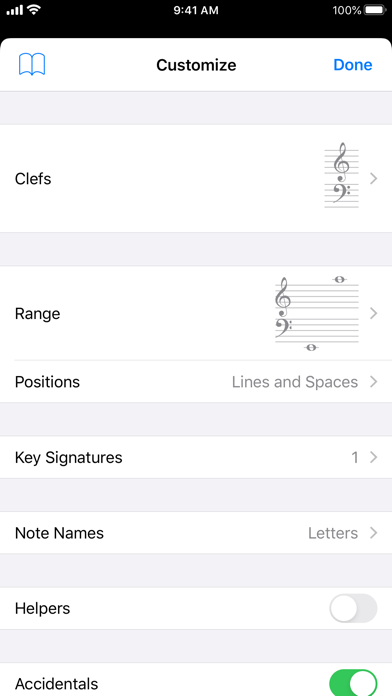
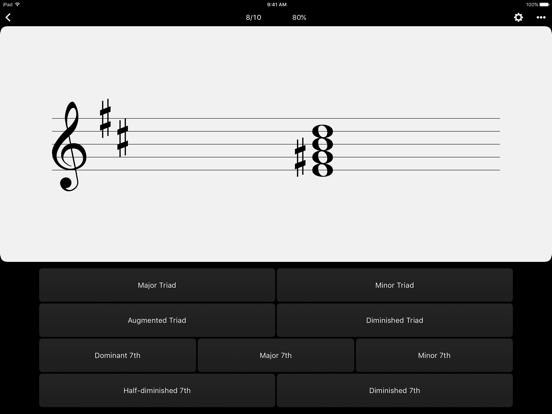
Tenuto is a collection of 24 highly-customizable exercises designed to enhance your musicality. From recognizing chords on a keyboard to identifying intervals by ear, it has an exercise for you. Tenuto also includes six musical calculators for accidentals, intervals, scales, chords, analysis symbols, and twelve-tone matrices.
A short description of the exercises and calculators follows.
––––––
• Note Identification
• Key Signature Identification
• Interval Identification
• Scale Identification
• Chord Identification
Tap the button corresponding to the written staff line. For example: if shown a C, E, and G with a sharp; tap the "Augmented Triad" button.
––––––
• Note Construction
• Key Signature Construction
• Interval Construction
• Scale Construction
• Chord Construction
Construct the specified label by moving notes and/or adding accidentals. For example: if shown a C and an "Augmented 4th" label, move the second note to F and add a sharp.
––––––
• Keyboard Reverse Identification
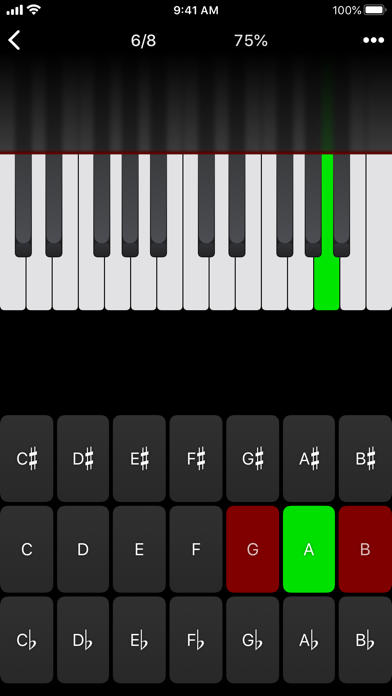
Tap the piano key corresponding to the written note on the staff. While similar to Note Identification, this exercise uses a piano keyboard rather than note name buttons.
• Keyboard Note Identification
• Keyboard Interval Identification
• Keyboard Scale Identification
• Keyboard Chord Identification
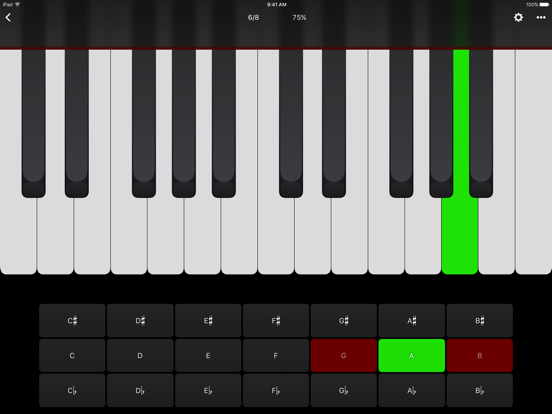
Tap the button corresponding to the highlighted piano key(s). If the C and G keys are highlighted, tap the "P5" (Perfect 5th) button.
––––––
• Fretboard Note Identification
• Fretboard Interval Identification
• Fretboard Scale Identification
• Fretboard Chord Identification
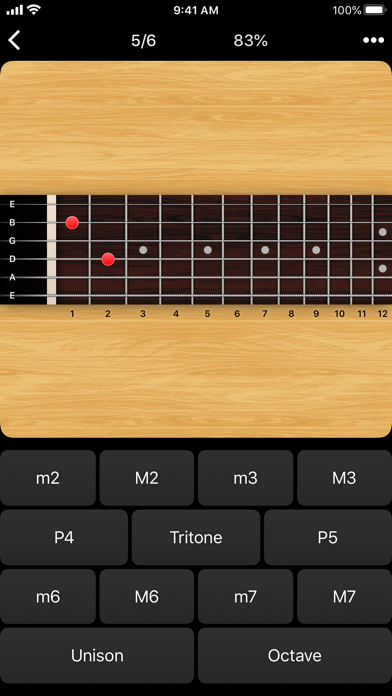
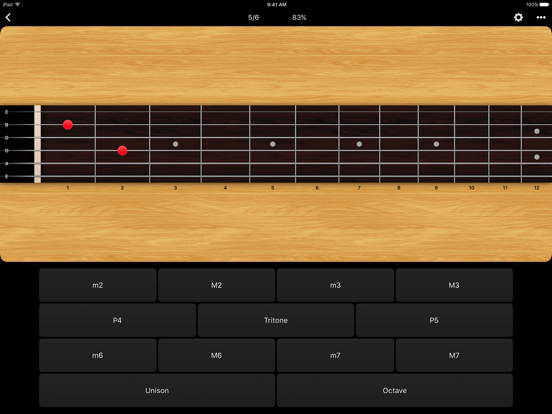
Tap the button corresponding to the marked fretboard position(s). If the 2nd fret of the D string is marked, tap the "E" button.
––––––
• Keyboard Ear Training
• Note Ear Training
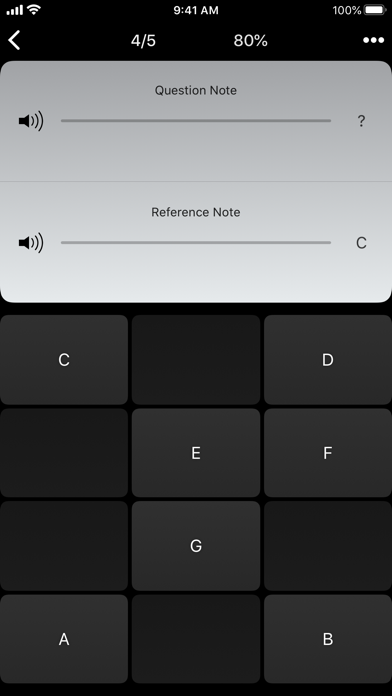
Listen to the played reference and question notes. Select the piano key or note button corresponding to the question note.
• Interval Ear Training
• Scale Ear Training
• Chord Ear Training
Tap the button corresponding to the played notes. If E and F are played, tap the "Minor 2nd" button.
––––––
• Accidental Calculator
Display the accidental for a note and key.
• Interval Calculator
Display the interval for a note, type, and key.
• Chord Calculator
Display the scale for a tonic and scale type.
• Chord Calculator
Display the chord for a note, type, and key.
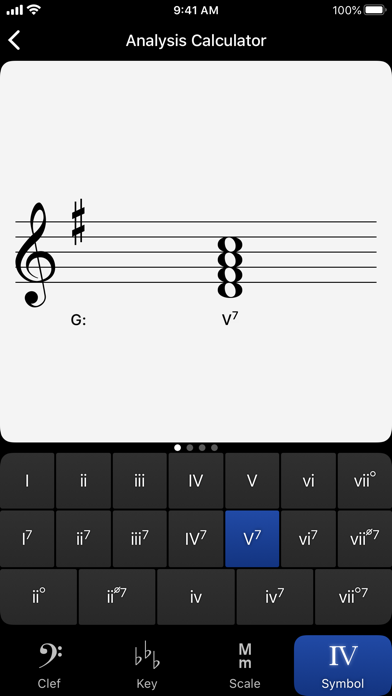
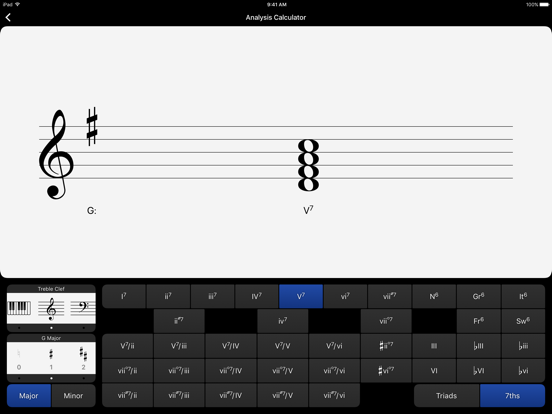
• Analysis Calculator
Display the chord for a symbol and key.
• Matrix Calculator
Display the twelve-tone matrix for a specified tone row.
Capturas de tela
Galeria da loja · 9
🇺🇬
#17
Uganda · paid
Overall (all apps)
🇷🇴
#49
Romania · paid
Overall (all apps)
🇺🇸
#49
United States · paid
Overall (all apps)
🇪🇨
#56
Ecuador · paid
Overall (all apps)
🇦🇪
#70
United Arab Emirates · paid
Overall (all apps)
Presença nas lojas
Em 11 de jul. de 2026desatualizado (68 d)
Avaliação4.75
Avaliações651
Preço$4.99
Versão5.1
Atualizado28 de abr. de 2026
Lançado30 de ago. de 2011
Grade de rankings
Ranking atual por país × gênero, em faixas de cores
1–3 4–10 11–50 51–100 100+
🇺🇬UG
🇷🇴RO
🇺🇸US
🇪🇨EC
🇦🇪AE
🇦🇺AU
🇨🇦CA
🇪🇸ES
🇹🇼TW
🇳🇱NL
🇫🇷FR
🇸🇦SA
🇮🇹IT
🇨🇷CR
🇺🇦UA
🇧🇷BR
🇬🇧GB
🇭🇺HU
🇲🇾MY
🇲🇽MX
Overall (all apps)
17▼7
49
49▼1
56
70
70▲26
73▼15
78▲5
78
82
83▲1
84
87▲3
88
90
91▲6
92▼8
93▼58
93
95
Evolução do ranking
Escolha ranking, gênero e mercados
Histórico de versões
Versões observadas, da mais recente para a mais antiga
v5.128 de abr. de 2026
- Updates the app icon used in Dark, Clear, or Tinted modes.
- Fixes several layout and drawing issues when running as a Windowed App.
- Fixes an extremely rare crash when Challenge Mode is enabled.
Impacto das atualizações
Lançamentos datados · ranking e avaliações 14 dias antes → depois
Evolução do sentimento
Proporção positiva, neutra e negativa por mês, semana ou versão
Avaliações de jogadores
Avaliações recentes · rótulos baseados em regras
Ainda não há avaliações disponíveis para este aplicativo.