
Numpad 2ios
ALPA AB · Utilities
About
4+Developer site ↗Screenshots
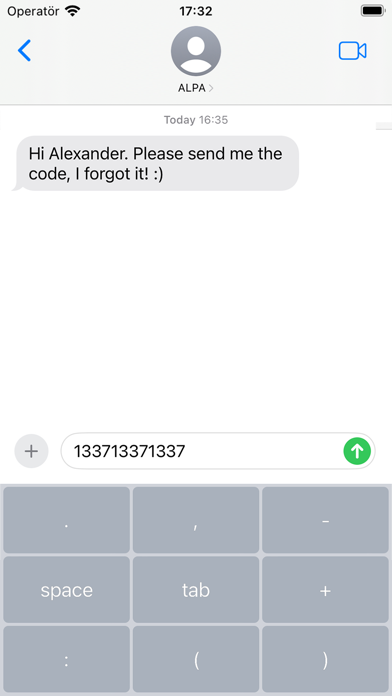
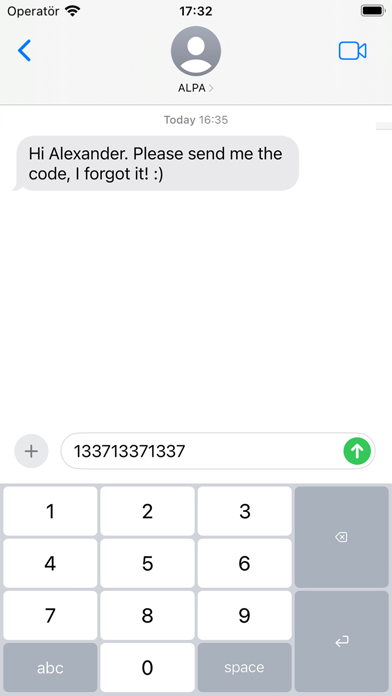
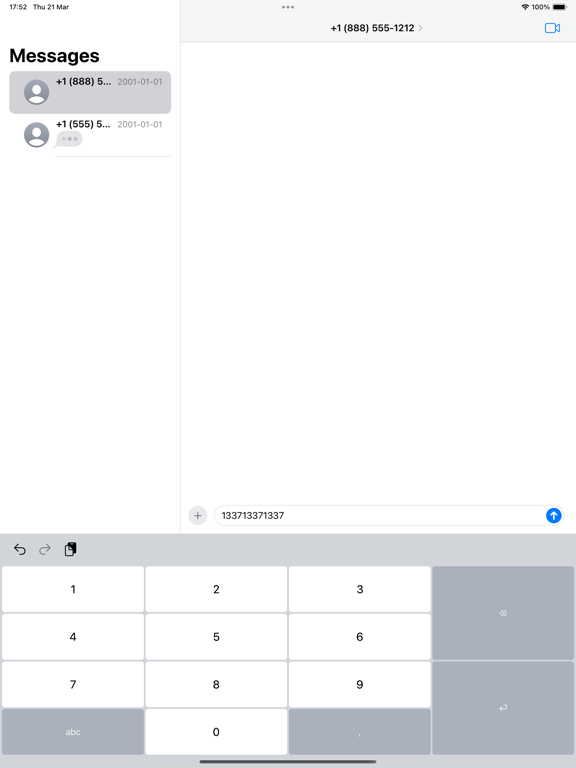
Store gallery · 10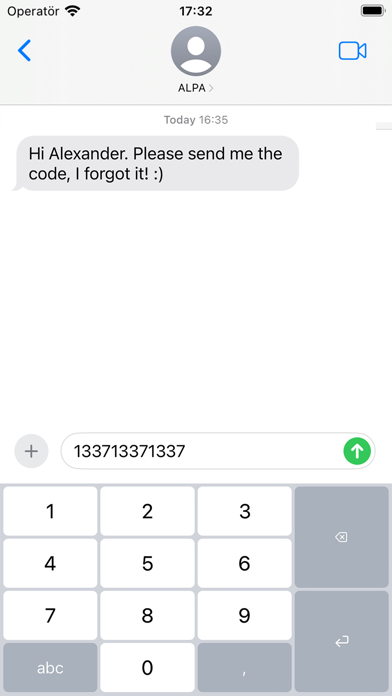


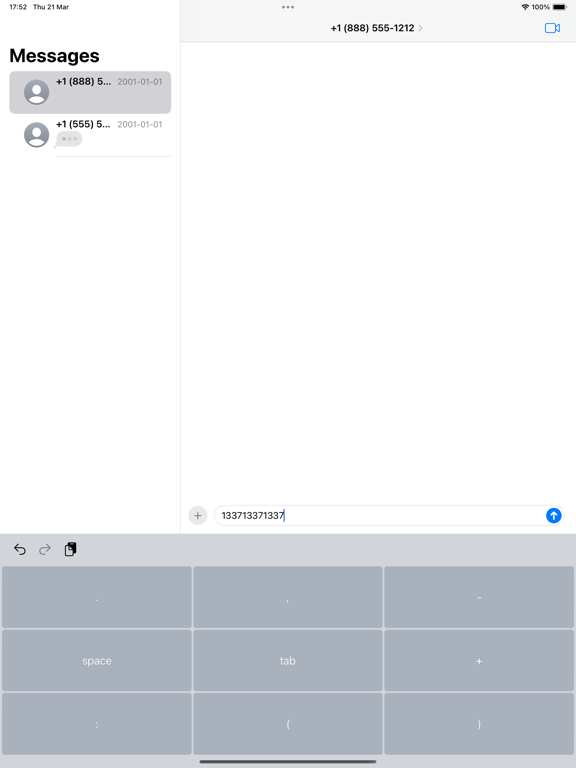
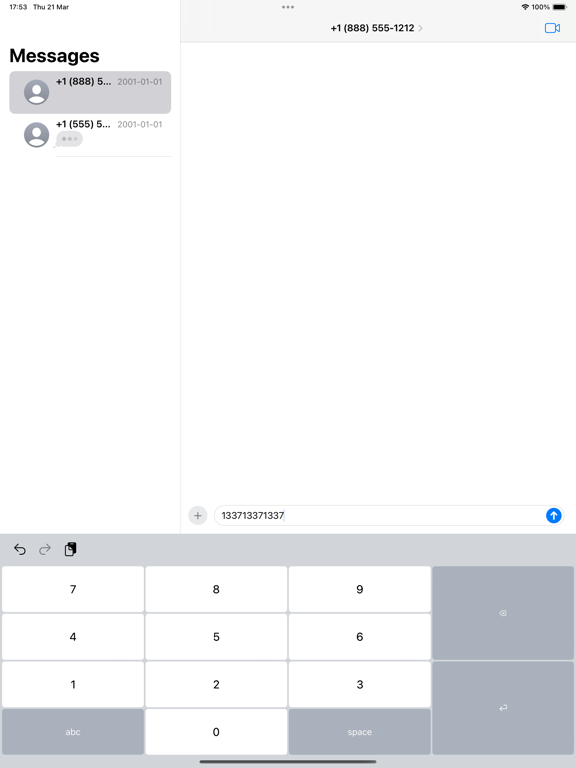


🇵🇰
#55
Overall (all apps)
🇶🇦
#73
Overall (all apps)
🇮🇹
#94
Overall (all apps)
Store presence
As of Jul 13, 2026stale (66d)Rating 0.00
Ratings 0
Price —
Version 26.0.4
Updated Jul 8, 2026
Released Apr 12, 2024
Rank grid
Current rank by country × genre, shown as color bands 1–3 4–10 11–50 51–100 100+
| 🇵🇰PK | 🇶🇦QA | 🇮🇹IT | |
|---|---|---|---|
| Overall (all apps) | 55▼25 | 73▼14 | 94 |
Rank over time
Choose chart, genre, and markets to compareVersion history
Versions observed at capture, newest firstv26.0.4Jul 8, 2026
• Fixed: decimal key no longer resets to comma (settings now persist without Full Access)
• All keyboard settings can now be changed in the app
• Key click sound now follows the system keyboard sound setting
• Redesigned How to page with Full Access info
Update impact
Dated releases · rank and review signals, 14 days before → afterReview sentiment over time
Positive, neutral, and negative share by month, week, or versionPlayer reviews
Recent store reviews · rule-based labelsReview coverage is not available yet for this app.