
Uzu, An Interactive Light Showios
Colordodge Labs · Unterhaltung
About
4+Developer site ↗Screenshots
Store gallery · 5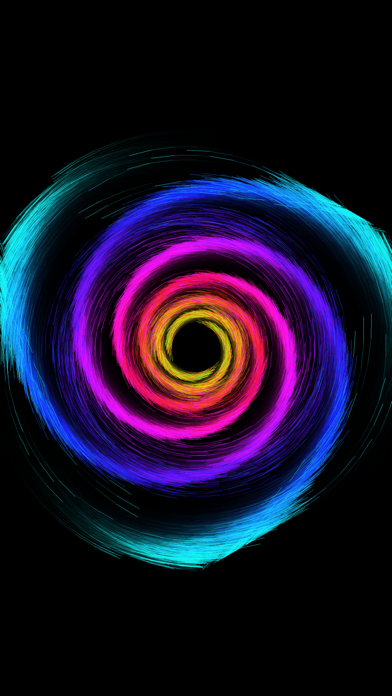

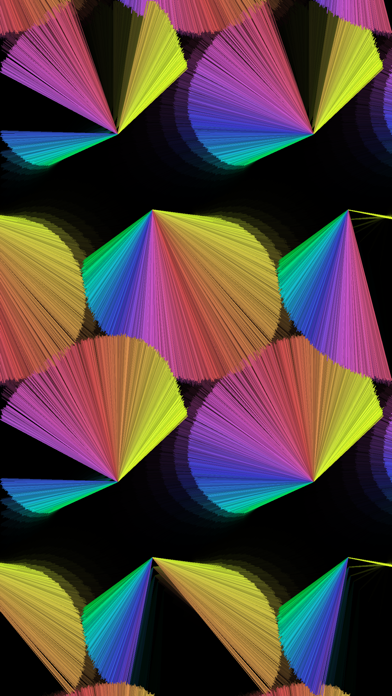

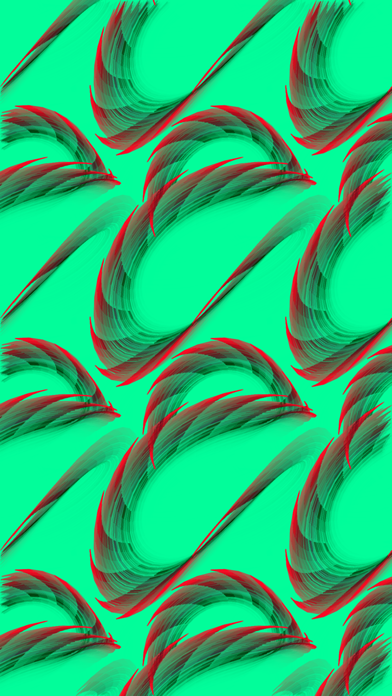
🇯🇵
#71
Entertainment
🇦🇺
#72
Entertainment
🇨🇦
#77
Entertainment
🇺🇸
#82
Entertainment
🇬🇪
#89
Entertainment
Store presence
As of Jul 4, 2026stale (74d)Rating 4.80
Ratings 259
Price $3.99
Version —
Updated —
Released Jun 12, 2010
Rank grid
Current rank by country × genre, shown as color bands 1–3 4–10 11–50 51–100 100+
| 🇯🇵JP | 🇦🇺AU | 🇨🇦CA | 🇺🇸US | 🇬🇪GE | 🇵🇭PH | 🇩🇪DE | 🇺🇿UZ | |
|---|---|---|---|---|---|---|---|---|
| Entertainment | 71▼13 | 72▼14 | 77▼11 | 82▼36 | 89 | 89▲4 | 92▼6 | 97 |
Rank over time
Choose chart, genre, and markets to compareVersion history
Versions observed at capture, newest firstv4.2Jul 2, 2026
Uzu 4.2 is here — and it’s a colorful one.
Meet the new Colors panel: your dedicated space for Simple mode, custom palettes, randomization, and palette animation.
———— Version 4.2 ————
• New Colors panel with Simple color mode
• Save, load, and animate your own color palettes
• Color randomization for fresh looks in one tap
• Favorite presets now appear at the top of the list
• Choose which preset category autoplay uses
• 22 new factory presets
• New Gradient effect
• Glow effect: additional parameters
• Kaleidoscope: new Radial mode, plus pinch and rotate gestures
• Improved tunnel warp parameters
• Better macOS (Designed for iPad) support
• Improved line rendering at reduced quality
• Various UI improvements
———— Version 4.1 ————
• Added 45 factory presets
• Added all 55 legacy factory Presets
• You can now tap the Preset section header to quickly jump to a specific section
• Added grid mode to the preset panel - access it by tapping the preset section header
———— Version 4.0 ————
Uzu has been completely rebuilt from the ground up — faster, more beautiful, and more powerful than ever.
• All-new Metal rendering engine for smoother, richer particle visuals
• Redesigned SwiftUI interface that's cleaner and easier to use
• 9 new shader effects: Glow, Warp, Kaleidoscope, Sparkle, Feedback, Color, Pixelate, Scanlines, and Vignette
• 67 refreshed factory presets, ready to explore
• Export and import presets — share your creations or back them up
• Fast preset switching — jump between presets from the screen edges
• Shake to show or hide the interface for an uninterrupted light show
• Choose render quality from Low to Ultra
• Reorder your user presets
• Save over the current preset when tweaking a favorite look
Update impact
Dated releases · rank and review signals, 14 days before → afterReview sentiment over time
Positive, neutral, and negative share by month, week, or versionPlayer reviews
Recent store reviews · rule-based labelsReview coverage is not available yet for this app.